The File Is Never Really Organized
Every personal injury case arrives the same way: a flood of medical records, police reports, insurance correspondence, deposition transcripts, and billing statements — spread across email attachments, cloud folders, and a practice management inbox. Someone on your team has to touch every document before the attorney can make sense of the file. That someone is usually your most experienced paralegal, and that work is almost never billable.
ProvaLens was built to change that workflow from the moment a matter is opened.
Automatic Classification the Moment Documents Arrive
When documents are uploaded — or synced automatically from OneDrive, SharePoint, Google Drive, Dropbox, or Outlook — ProvaLens classifies each file by type. Medical records, police reports, billing statements, insurance correspondence, and expert reports are sorted without manual tagging. Scanned images are processed via OCR so even paper records become fully searchable.
The result is a case file where every document has a place and every page is findable in seconds.
Cited Answers, Not Just Search Results
Once documents are organized, ProvaLens reads the entire file and answers questions with citations pointing to the exact page and paragraph. Ask which treating physician first documented radiculopathy, and ProvaLens returns the answer with a direct reference — not a list of documents to dig through yourself.
This matters most when a partner asks a question at 4:45 p.m. the day before mediation.
Contradictions Surface Automatically
Inconsistencies across a large file are easy to miss and expensive to overlook. ProvaLens flags possible conflicts across documents automatically — a recorded statement that conflicts with deposition testimony, a gap between treatment dates and a reported injury onset, or an IME conclusion that contradicts the treating physician's notes. These flags appear without anyone having to run a manual comparison.
A Visual Timeline Built From Every Date in the File
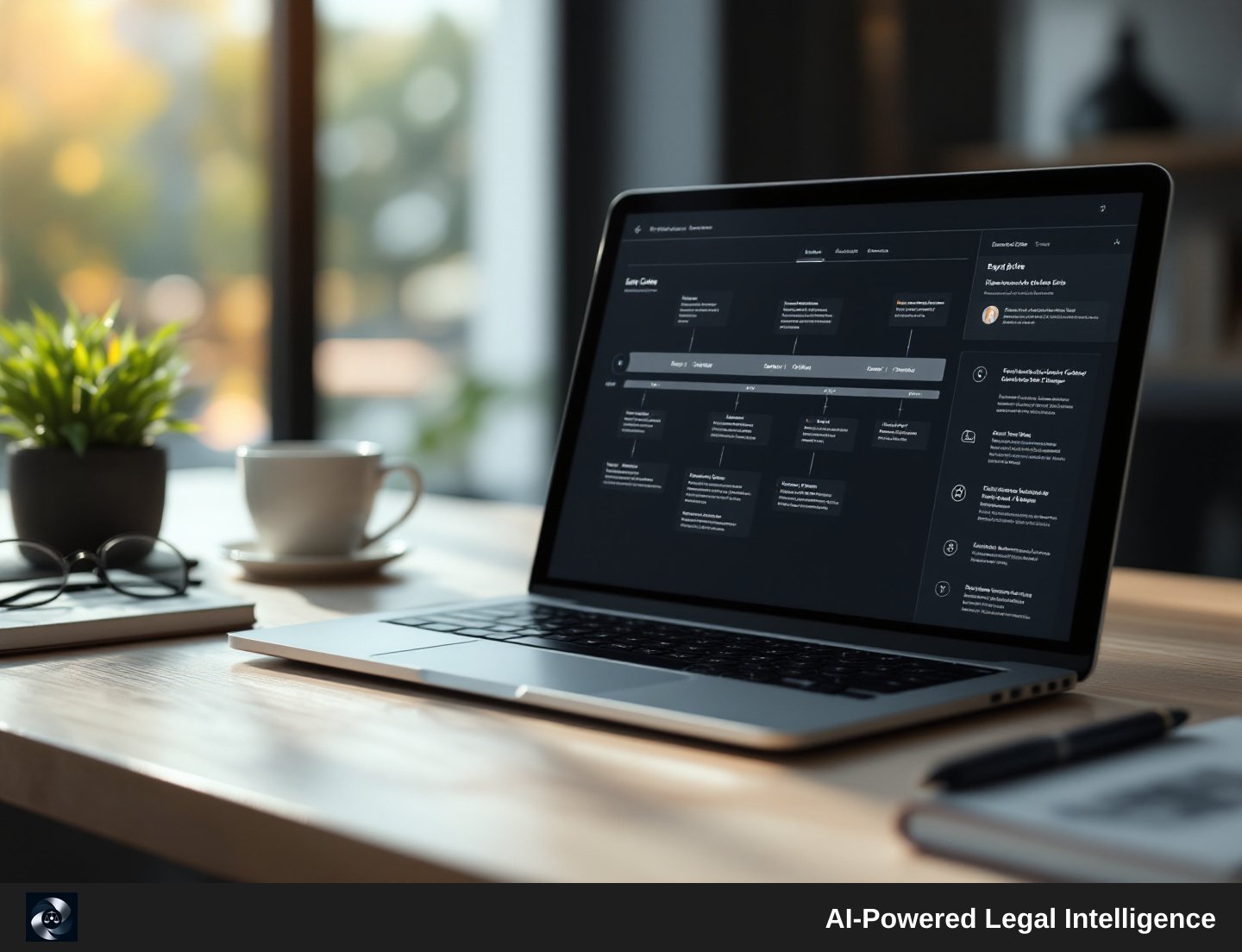
ProvaLens extracts every date and event across the entire case file and builds a chronological visual timeline. Incident date, first treatment, gaps in care, IME, demand letter, litigation hold — all plotted in sequence. For a jury narrative or a mediation brief, having the chronology already built saves hours of reconstruction work.
Itemized Damages and Draft Demand Letters
ProvaLens generates itemized special-damages tallies and medical chronologies drawn directly from the uploaded records. From those outputs, it can produce attorney-finalized demand drafts — structured documents the attorney reviews and edits before any external use. No figures are invented; every line traces back to a source document in the file.
Illustrative example: Imagine a mid-size plaintiff firm handling a soft-tissue motor vehicle case. After uploading 340 pages of records, the paralegal uses ProvaLens to generate the medical chronology and special-damages tally in a single session, then passes the draft demand to the supervising attorney for review and finalization. This is the kind of workflow ProvaLens is designed to support — actual results will vary by file complexity and firm process.
Deadlines Extracted, Calendared, and Synced
ProvaLens reads scheduling orders and extracts court deadlines — discovery cutoffs, deposition deadlines, motion deadlines, and trial dates — and populates a case calendar that syncs to team Outlook calendars. Deadlines do not have to be manually entered from a PDF.
ProvaLens also syncs with Clio and MyCase to import matters and documents and export reports. It does not replace those platforms for billing or time-tracking workflows.
Live Support During Depositions
For depositions, ProvaLens transcribes audio and video recordings into searchable, speaker-labeled transcripts. During live depositions, the Live Cross Copilot surfaces admissions, contradictions, and suggested follow-up questions in real time — drawing on everything already in the case file.
Security and Pricing Built for Firms, Not Enterprise IT
ProvaLens is built for HIPAA workflows, hosted on Azure, and uses 256-bit encryption. A Business Associate Agreement is available before the first document is uploaded. Pricing is flat-rate per firm — not per seat — and archived matters remain searchable at no extra cost as caseload grows.
The per-case Expert Services option is a client-billable case expense, appropriate to disclose and obtain informed consent for in the same way as other litigation costs. The monthly platform subscription is firm overhead and is not structured to be passed through to clients.
The Whole File, Finally in One Place
ProvaLens does not replace attorney judgment. It handles the document layer — classification, possible-conflict flagging, chronology, damages tallies, deadline extraction, and draft preparation — so the attorney's time goes toward the decisions that require a lawyer.
If your intake process still ends with a paralegal manually sorting a shared drive, ProvaLens is worth a closer look.